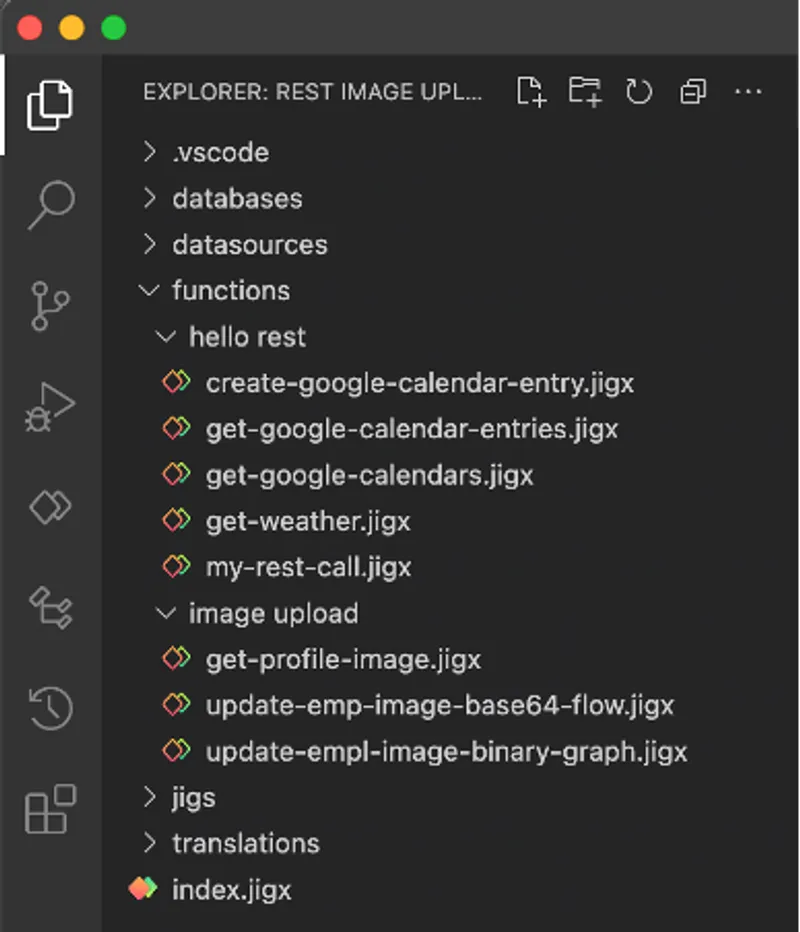
Jigx functions
| Structure | Description |
|---|---|
| Continuation | Use when REST services limit the number of items to be returned. Jigx function calls can automatically repeat calls by specifying a continuation block. This overwrites the parameters in the original function call. |
| Conversions | Handles file format conversions between local-uris and base64, data-uri, or buffer when sending to or receiving from a REST datasource. |
disableTokenRefresh | Disables the auto-handling of 401 errors that refresh tokens twice. |
| error | Customize REST endpoint error messages to suppress or customize default error messages, log error details for more effective debugging, configure retries, and track errors through error logging. |
format | Specifies the format of the data returned from the REST server. Supported formats include json, text, pdf, and xml. This setting determines how the response is processed by the function. |
| forRowsInRange | This function's results are for a specific range in the data - all rows matching the specified column name and parameter value ranges (inclusive) will be removed and replaced with the results from the function. If not specified, the whole table is replaced with the function results, unless either for RowsWithValues is specified. |
| forRowsWithMatchingIds | This function's results are for specific rows with matching IDs, and other rows are not changed or removed. If not specified, the whole table is replaced with the function results, unless either forRowsWithValues and/or forRowsInRange is specified. |
| forRowsWithValues | This function's results are for specific rows in the data - all rows matching the specified column name and parameter value pairs will be removed and replaced with the results from the function. If not specified, the whole table is replaced with the function results, unless forRowsInRange is specified. |
functionId | Used to override the name of the function. Expected value is a string that respects the following rules: The first character has to start with a letter. The name can contain alphanumeric or symbols '-' and '_'. The name cannot contain spaces. The name cannot end with special characters. The length must be between 2-50 characters. |
| guard | Guard functions allow you to control what happens after a query runs by conditionally executing additional logic. These functions are called after a query completes and can invoke any other function. |
| inputTransform | When the function format is JSON, the request body is generated using the inputTransform, a JSONata expression that can reference parameters defined in the function. |
keepTempIds | If set to true, temporary Ids in local data will not be deleted on sync. This does not apply when forRowsWithMatchingIds is set to true. |
method | Jigx supports the following methods when making REST calls: DELETE GET HEAD PUT PATCH POST |
| operations | A function can specify zero or multiple table operations to perform on the solution's local SQLite database. |
output | The function’s output is returned to calling actions or functions. If an outputTransform is defined, its result is returned; otherwise, the full response from the REST provider is used by default. |
| outputTransform | The outputTransform is a JSONata expression that converts the REST response into JSON for local SQLite insertion. |
| parameters | Function parameters are used to pass data into the function definition from the jig that uses the function. It can be used in body, query, path, and also as input parameters for procedures and views. |
provider | DATA_PROVIDER_REST for making REST service calls. |
| queries | Queries in functions provide Just-In-Time (JIT) access to the latest local data, evaluated during function execution. The results can be used in function expressions. |
url | The URL of the service that must be called. Jigx supports path and query parameters in the URL. Path parameters are tagged with curly brackets {}. Jigx will replace the path parameters with the values of the parameters defined in the parameter section of the function definition. Query parameters specified in the URL will be removed by Jigx and replaced by parameters defined in the parameters section of the function definition with a location property of type |
| when | Specify a condition for when to execute a function (default) and when to skip and not execute a function based on the local state of the database. The when expression is evaluated after the parameters and queries are evaluated. The when expression is evaluated before token credentials are checked and inputTransforms are evaluated. The when expression is re-evaluated on each continuation. |
Jigx functions
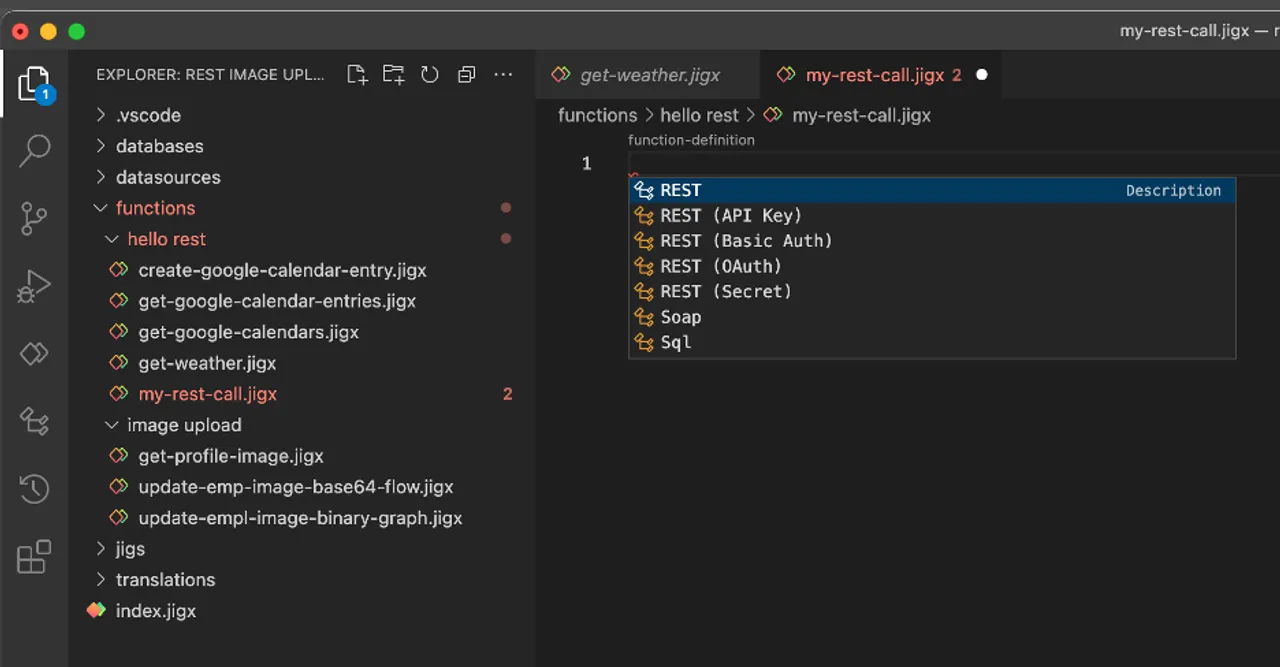
Functions code completion options
| Example | |
|---|---|
| Hello REST | In this section, a REST API is used to create a customers Jigx app, allowing you to add new customers and update and view customer details, location, and images. |
| MS Graph | The MS Graph examples use the User, Calendar, Mail, Insights, and To-do tasks to create a powerful Jigx apps with everything you need in one app. |